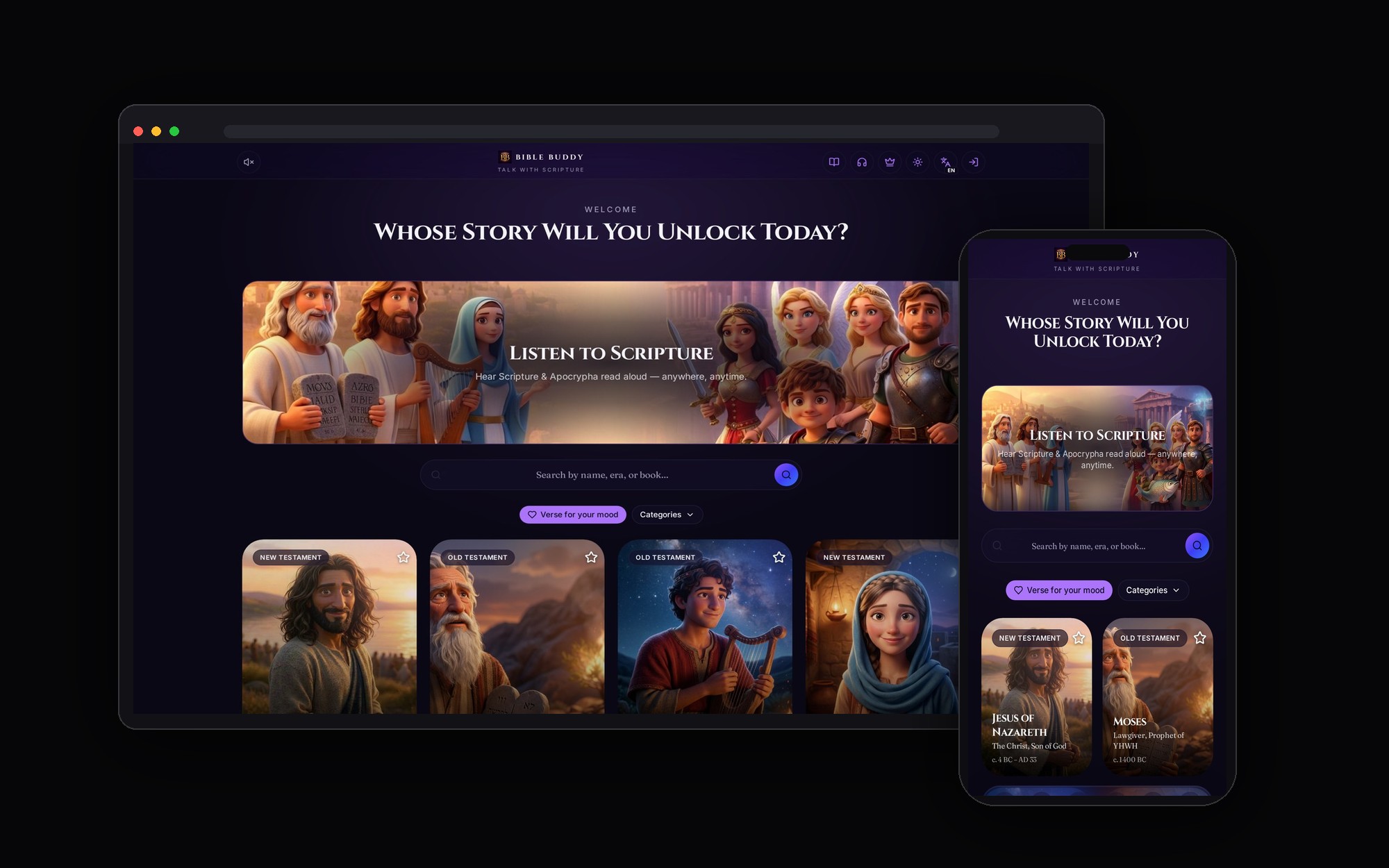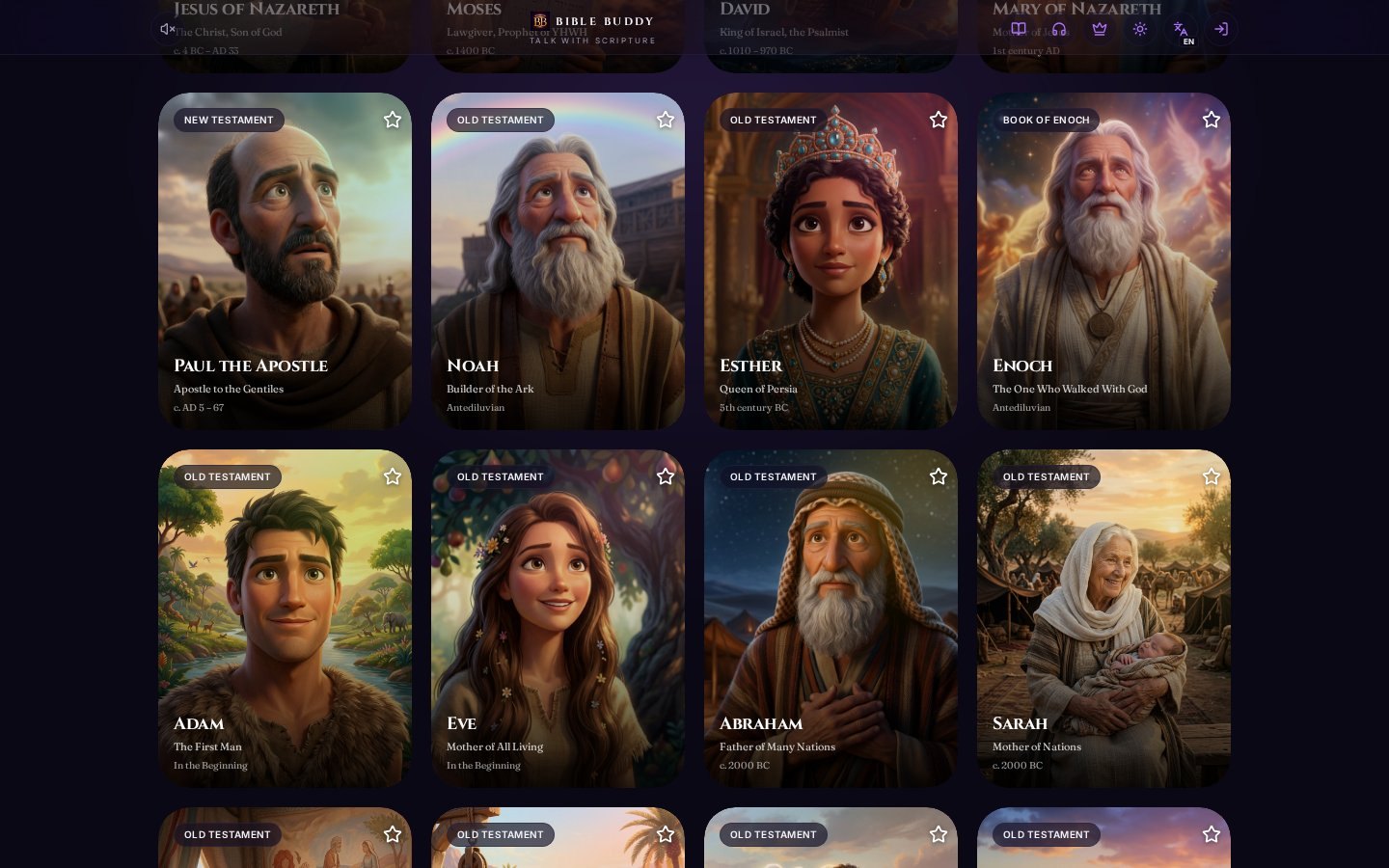
Talking With Moses: How Bible Buddyy's Character Conversations Work
Bible Buddyy lets people ask questions of biblical figures and get answers in that figure's voice.
KIING DIGITAL LABS · · 1 min read
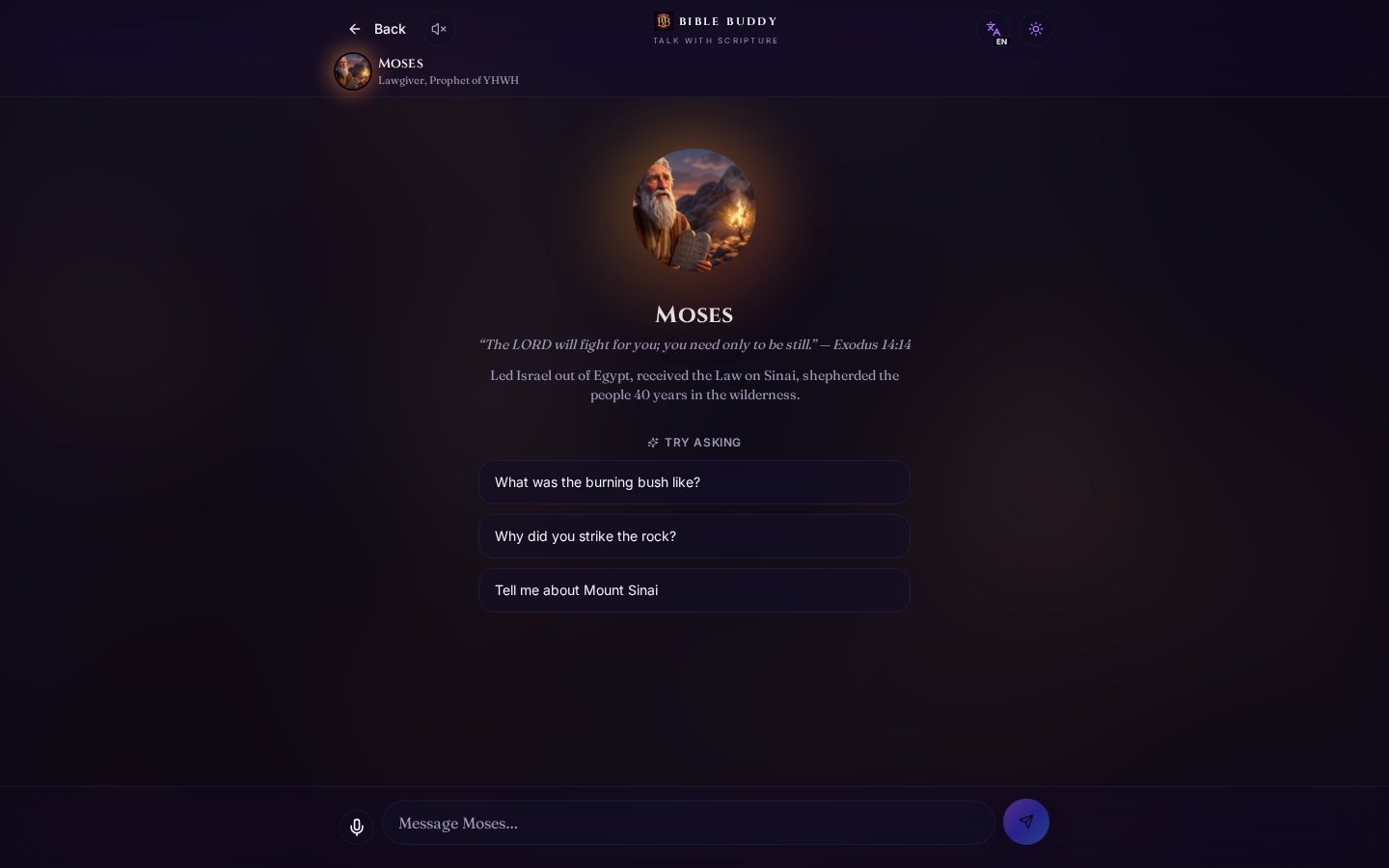
Bible Buddyy lets people start a conversation with a biblical figure instead of only reading about them. The screen above is the real Moses conversation inside the live app.
How a conversation starts
Each character page opens with a portrait, the character's name, a short summary of who they were, and a key verse. For Moses, that includes his role as lawgiver and the Exodus story.
Below that, Try asking suggests starting questions, such as:
- What was the burning bush like?
- Why did you strike the rock?
- Tell me about Mount Sinai
People can tap one or type their own question in the message bar. A microphone button supports speaking instead of typing.
Why this matters
Many people find long passages hard to start with. A conversation gives them a question-first way in. They can learn the story by asking about it, then go to the passage itself.
What a new owner gets
The character conversation system is built and working. A buyer could extend it with study plans, group sessions or classroom modes. See the Bible Buddyy acquisition page for details.
- AI
- SCRIPTURE
- CHARACTERS